Everything from your practice,
in one place that’s yours.
The secure home for sessions, transcripts, client relationships, consent records, and the second brain your Companion writes alongside you. Encrypted, yours to export, and never used to train any AI.
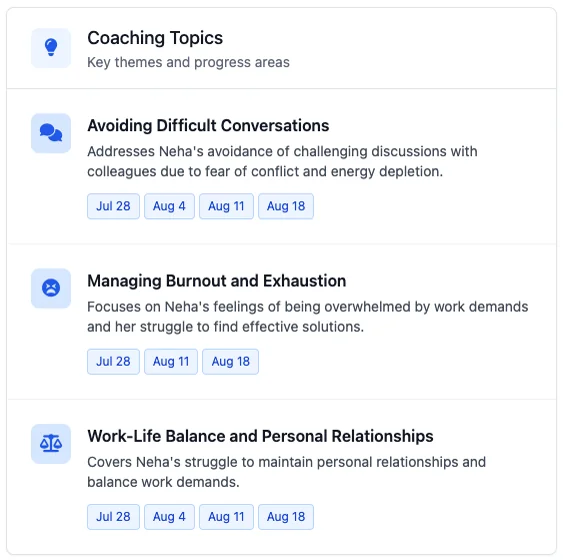
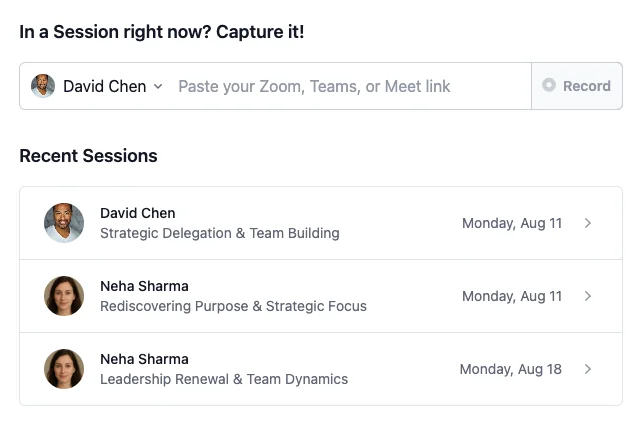
The Vault is the substrate the whole loop runs on. Every recorded session, every transcript, every client relationship, every consent record, every line of methodology you’ve articulated — in one place, with you in control of who sees what.
The Companion is its primary interface, while the web admin is there for the moments you need to see things laid out yourself.
The data is yours — the Vault is just the service that hosts and structures it. If you ever stop your subscription, the Vault locks, but you can still export or delete anything you’ve put in, on your terms.
A secure place that grows with you.
Every session, indexed and searchable.
Sessions arrive automatically via the meeting bot or land in the chat as a phone recording. Recordings, transcripts, and the analyses your Companion has run — sortable by client, by date, by theme.
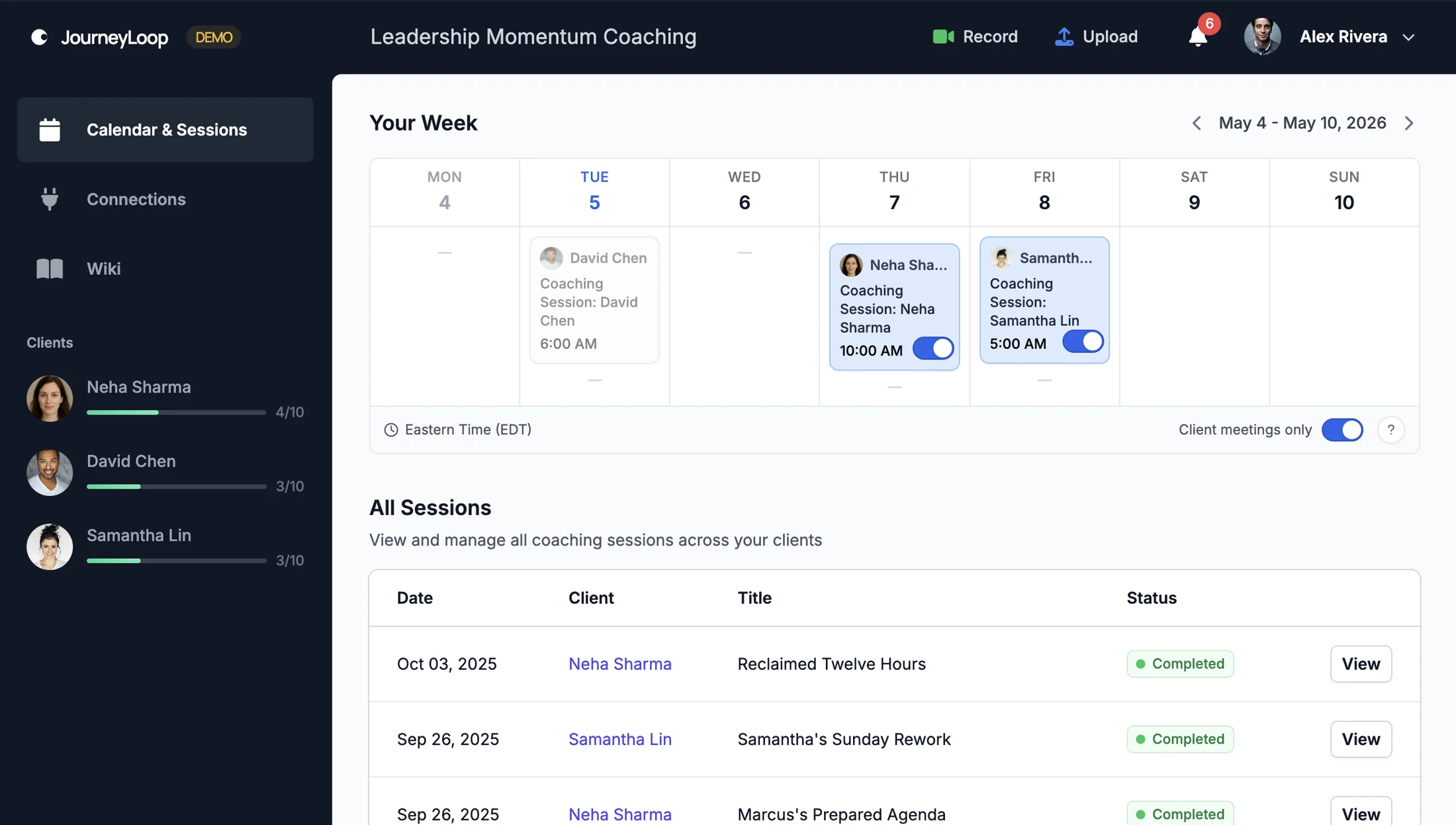
A relationship, not a record.
Each client gets a profile that holds history, themes, milestones, behavioural patterns — all things your Companion writes alongside you, and all things you can edit, delete, or hide — coach-controlled and client-respectful.
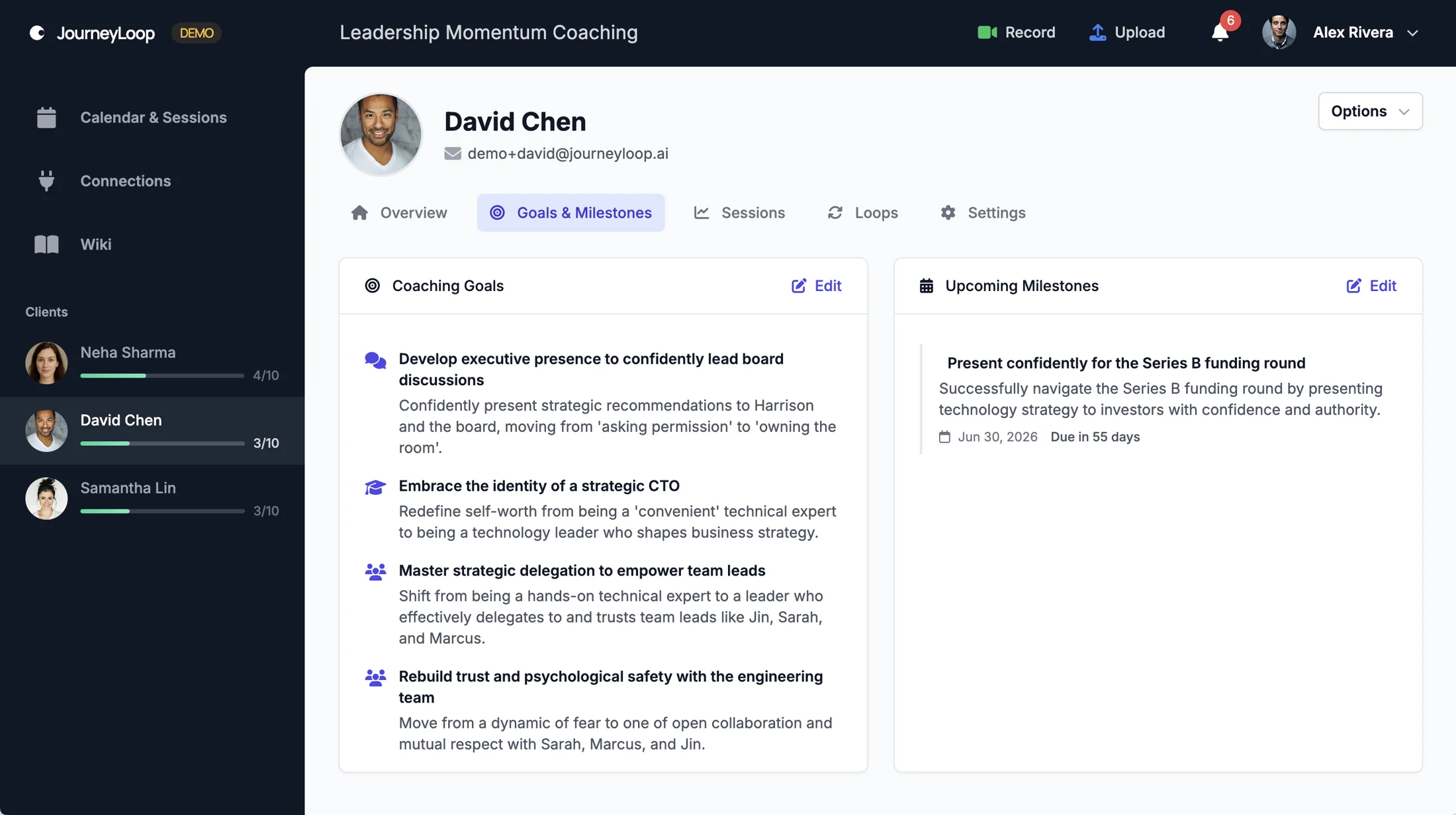
Where the work continues, between sessions.
Your client’s home for their coaching journey — goals in plain language, the honest things they’re sitting with, the commitments they made, the milestone that’s coming. It refreshes itself after every captured session, so nothing’s there for you to maintain — you just keep coaching.
See the client portal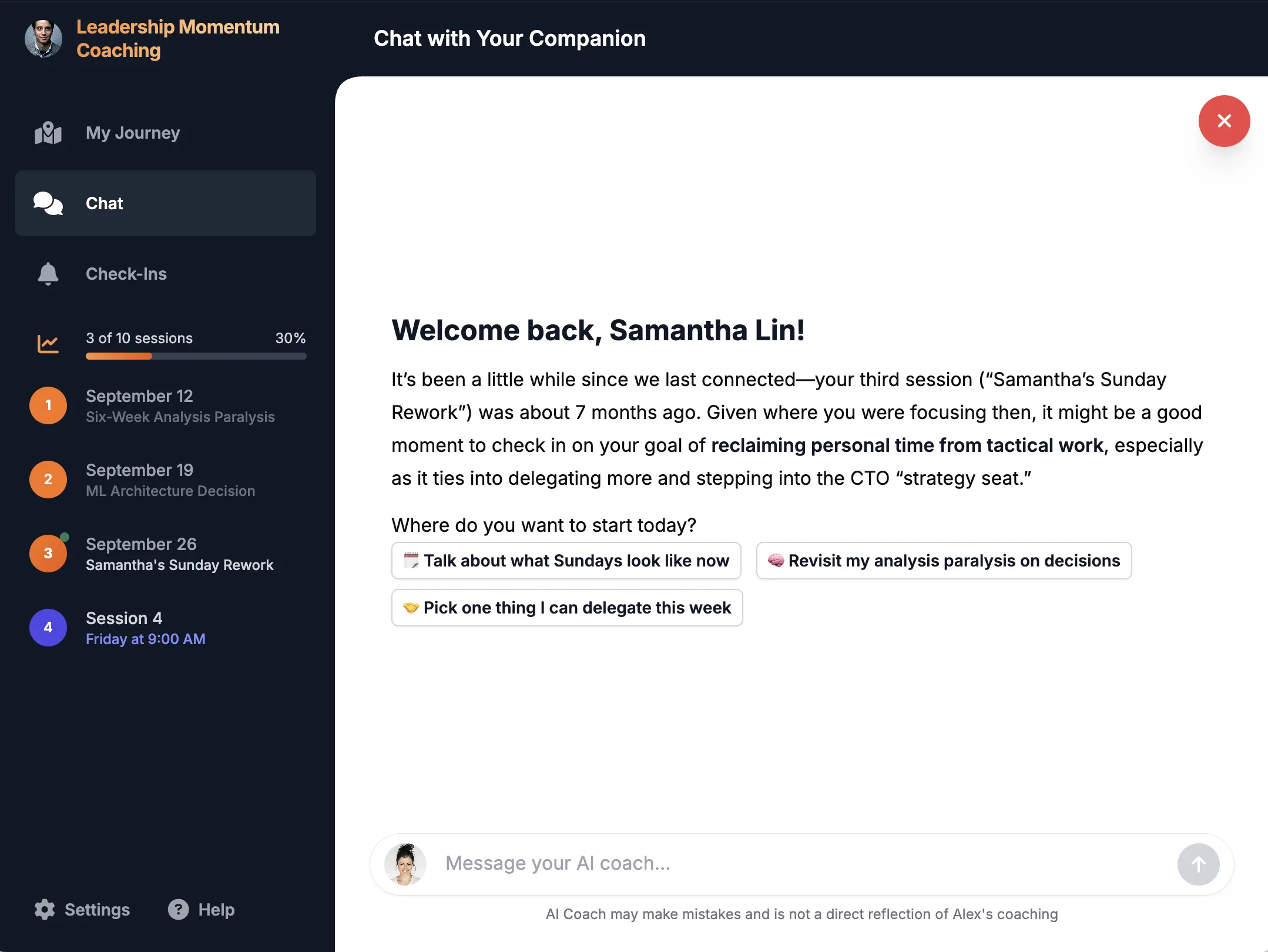
Consent, as an offering — not an ask.
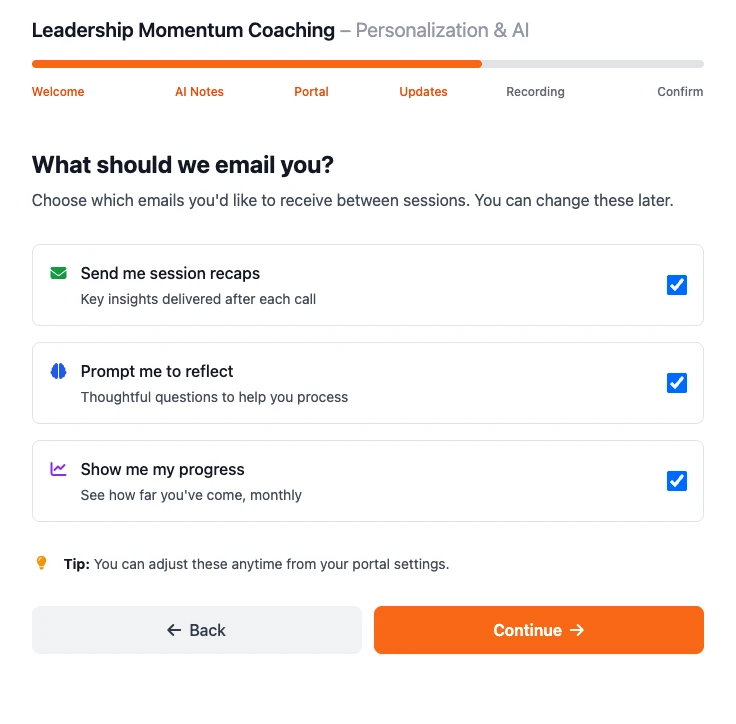
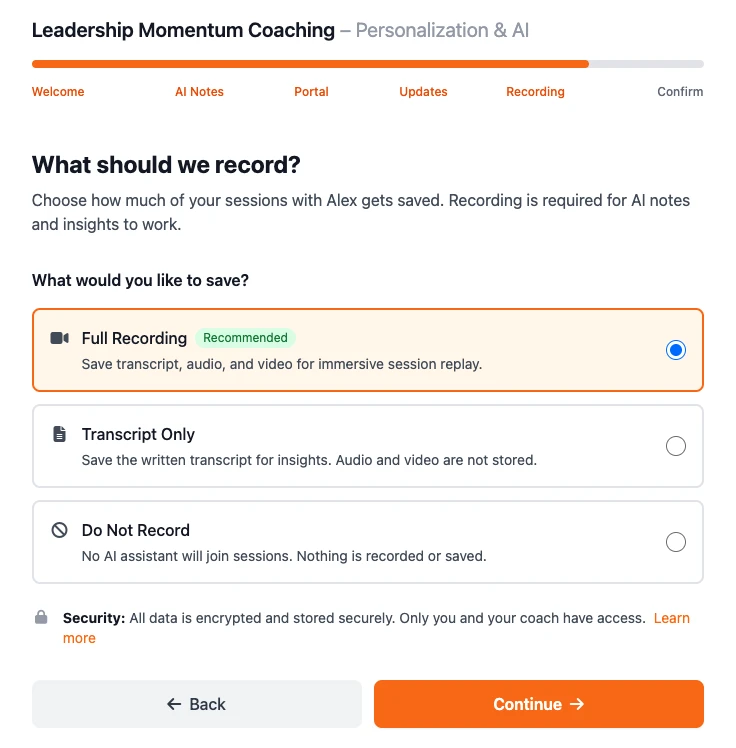
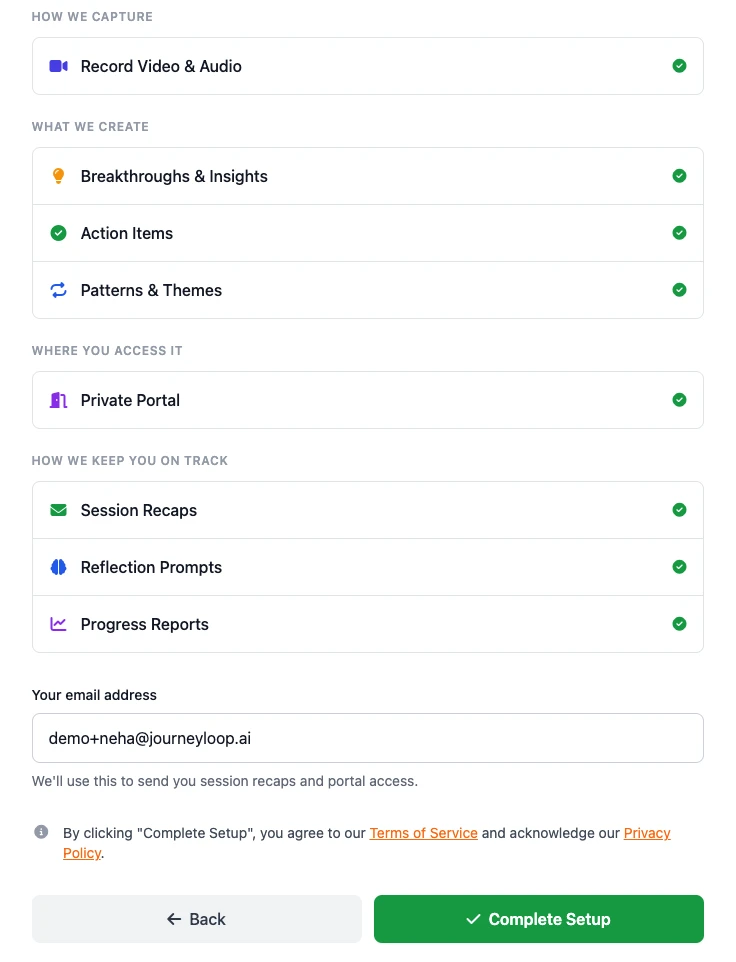
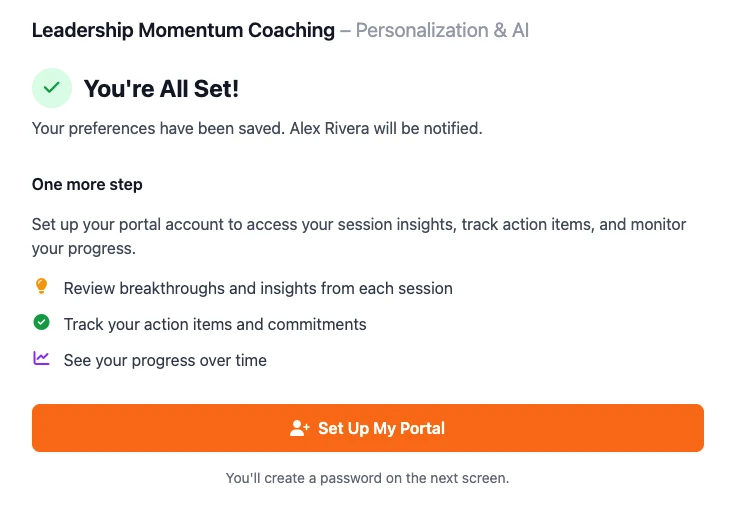
Asking to record can feel like asking forgiveness in advance. So we wrote the conversation for you, leading with what your client actually gets — a private portal, recaps, reflection prompts. Seven unhurried screens, with versioning and a GDPR / CCPA / ICF-aligned audit trail. Coaches who use it land yes-rates around 80%.
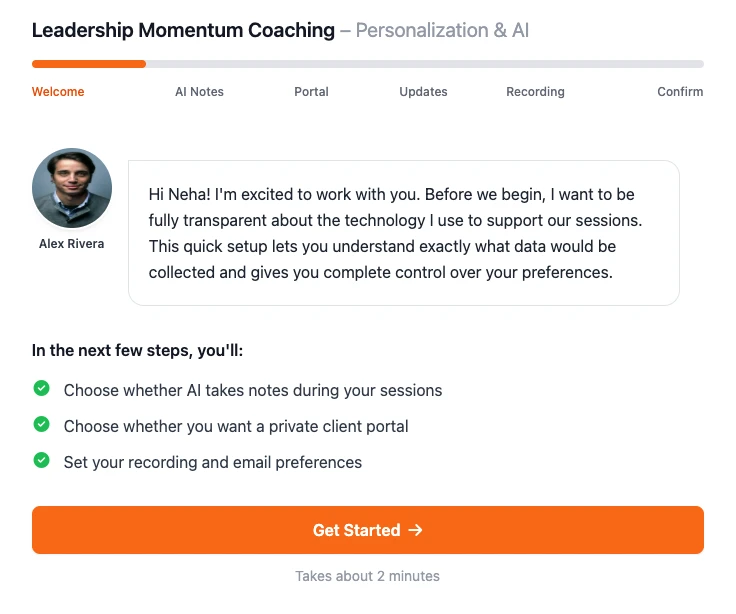
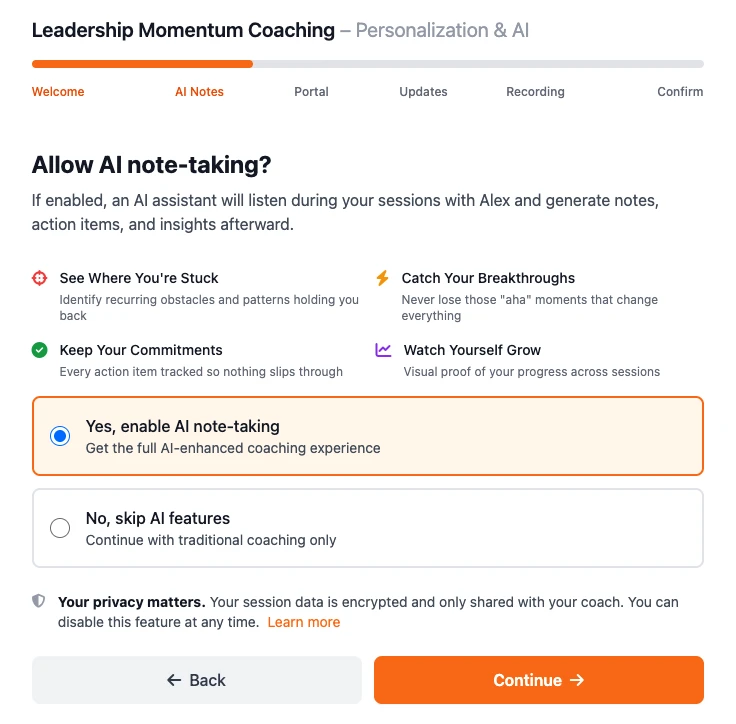
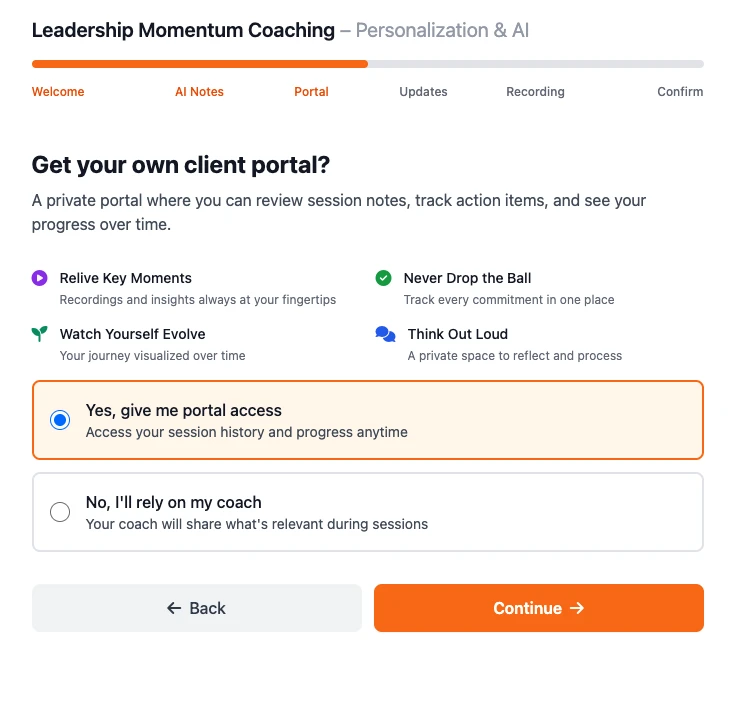
Your photo, your practice name — they’re meeting you, not us.

In your vault, there is everything that you need as a coach, and it’s just in there, and it grows with you. After a few months — oh my god, all my information is in the vault and it’s safe.
Built for coaching, not just transcription.
Otter, Fathom, and Zoom AI capture what was said. The Vault captures that — and turns each session into observations, goals, and feedback that grow across your whole practice.

The Vault
|

|

|

|
|
|---|---|---|---|---|
|
Capture and transcription
|
||||
Records virtual sessions |
||||
Works across Zoom, Meet, Teams |
||||
In-person and phone capture |
||||
Transcripts, AI summary, and action items per session |
||||
Search across past sessions |
||||
Google Calendar integration with auto-recording |
||||
|
Coaching intelligence
|
||||
Auto-matches calendar attendees to your coaching clients |
||||
Personalized prep emails before each session, for you and your client |
||||
Coaching observations — outcomes, intentions, what they struggled with |
||||
Feedback on your coaching practice, deepening over time |
||||
Patterns across sessions and across clients |
||||
Coaching goals you and your client edit together |
||||
Client portal with sessions, goals, and action items |
||||
Between-session AI reflection for your client |
||||
Connects to other AI tools via MCP (Claude, ChatGPT) |
||||
Start with the Round Table.
A free, live conversation you can join.
Marco and Michael host it live. You bring your curiosity, and you leave with a working prompt tool that reads your own sessions back to you.
Register for the Round Table →The other two threads.
A personal AI thought partner in Telegram, shaped by Michael’s coaching practice. It catches your blind spots and helps you articulate your method.
Read on →The secure place where your sessions, transcripts, clients, consent records, and second brain live — yours to export, anytime.
You are hereA community of coaches that’s free to join — with a weekly live call inside paid membership where they share what their Companions are surfacing and shape the Skills that ship to everyone.
Read on →